
Minecraft server hosting: add one address and your friends are in.
Your own Minecraft: Java Edition server, ready whenever your friends are. Mods, plugins and modpacks welcome. Java only: friends playing Bedrock on a console, phone or tablet can't join.
Runs Paper, Purpur, Fabric, Forge, NeoForge or plain vanilla.
Pick a size
Sizes are by memory, the GB your server gets. You name your server at checkout.
Starter
Vanilla or Paper for you and up to 4 friends.
Small
A handful of plugins or a light modpack.
Medium for modpacks
A bigger group, big modpacks, or a busy server.
Full refund if you ask within 7 days. Cancel or switch size any time. You must be 18 or older to buy.
Your server, in one panel
Atlas is where you run it: see who is online, read the server log, change settings, add mods and take backups, all from your browser.
- Start, stop and restart with one click
- Live server log and a command console
- Upload mods, plugins and worlds in your browser
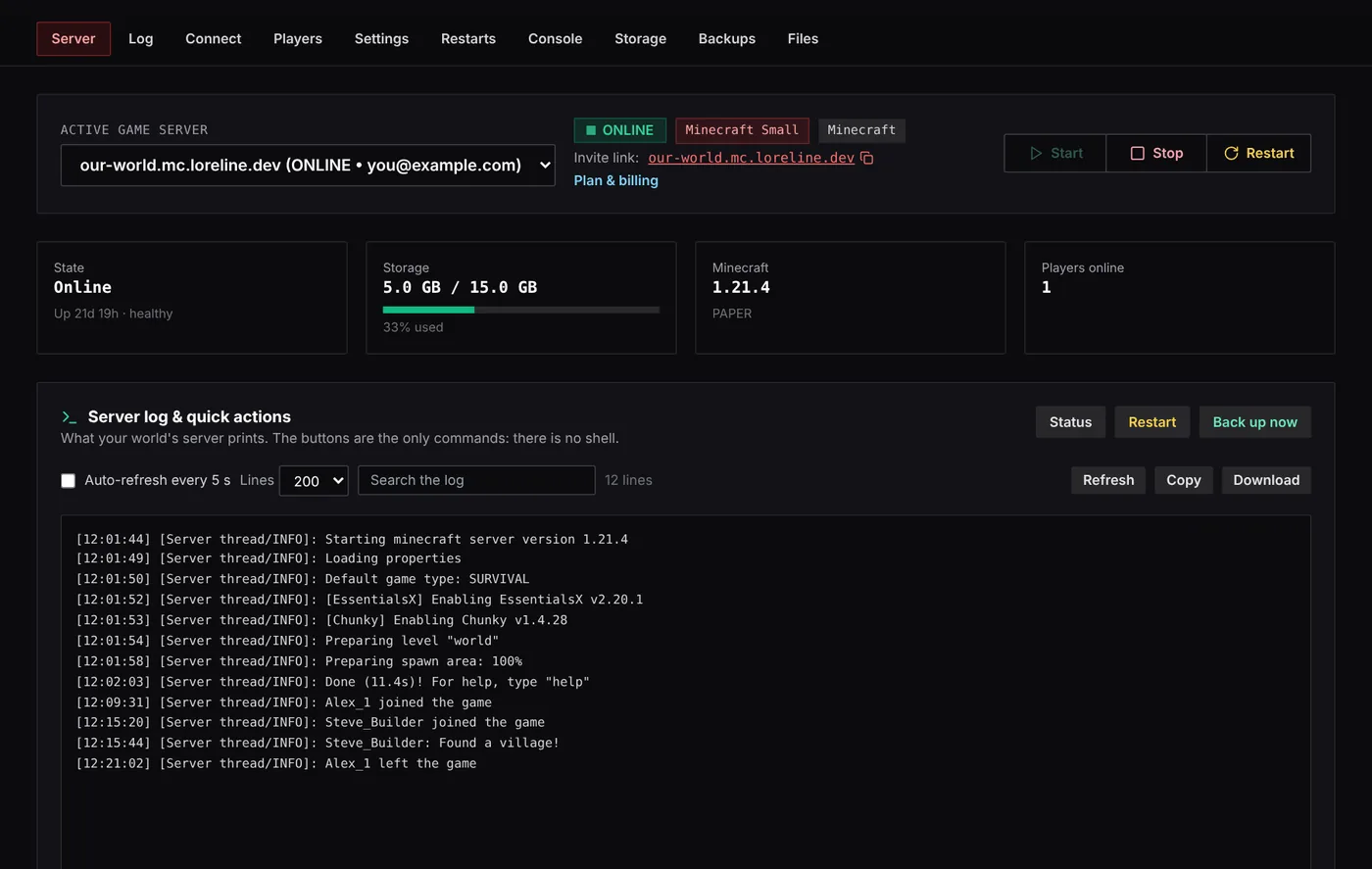
Sample server shown.
What you get
- Your own address
- Players join at your-name.mc.loreline.dev. No port numbers to share.
- Your choice of server
- Paper, Purpur, Fabric, Forge, NeoForge or plain vanilla.
- Modpacks from a link
- Paste a Modrinth modpack link and the server installs it.
- One control panel
- Start, stop, console, whitelist, bans and settings in Atlas.
- File manager
- Upload worlds, plugins and mods straight from your browser.
- Backups and restarts
- Nightly backups you can restore, and a daily restart at the time you choose.
Questions
Something else? Ask us.
Java or Bedrock?
Can I keep the server private, just for my kids and their friends?
Can I bring my existing world?
Do my friends need anything special?
Can I change size later?
What is your refund policy?
Minecraft server guides
Step-by-step guides with screenshots, free to read. All Minecraft guides.
Pick a size, then share your address
You name your server at checkout. Full refund if you ask within 7 days.