
How to upload a world you already have
A Minecraft world is the folder that contains level.dat. To move it to a server, upload that folder as the server's world and run the Minecraft version it was last played on, or newer. Back up the server's current world first.
Updated 16 November 2026
These steps use Atlas, the Loreline control panel. Open this guide in Atlas.
- Take a backup of your current world first.
- On your computer, find the world folder. It is the one that contains level.dat.
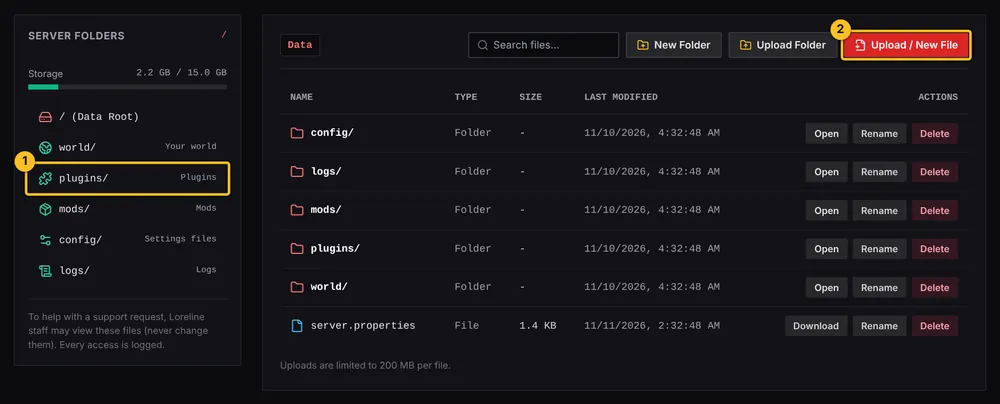
- In Atlas File Manager, press Upload Folder and choose the world folder, or drag it into the window.
- Restart your server. It must run the Minecraft version the world was last played on, so set the version in Settings if needed.
- If you are unsure where it goes, send a support request and we will help you move it.
More Minecraft guides
- Which server software do I need for mods or plugins?
- How to install plugins (Paper or Purpur)
- How to install mods (Fabric, Forge or NeoForge)
- How to install a modpack from Modrinth
- How to change server settings (difficulty, game mode, MOTD, whitelist)
- How to edit a plugin or mod config file
- How to update or remove a mod or plugin
- My server will not start after adding a mod or plugin
- All Minecraft guides
Minecraft hosting from Loreline
Mods, plugins and modpacks, nightly backups and one control panel.